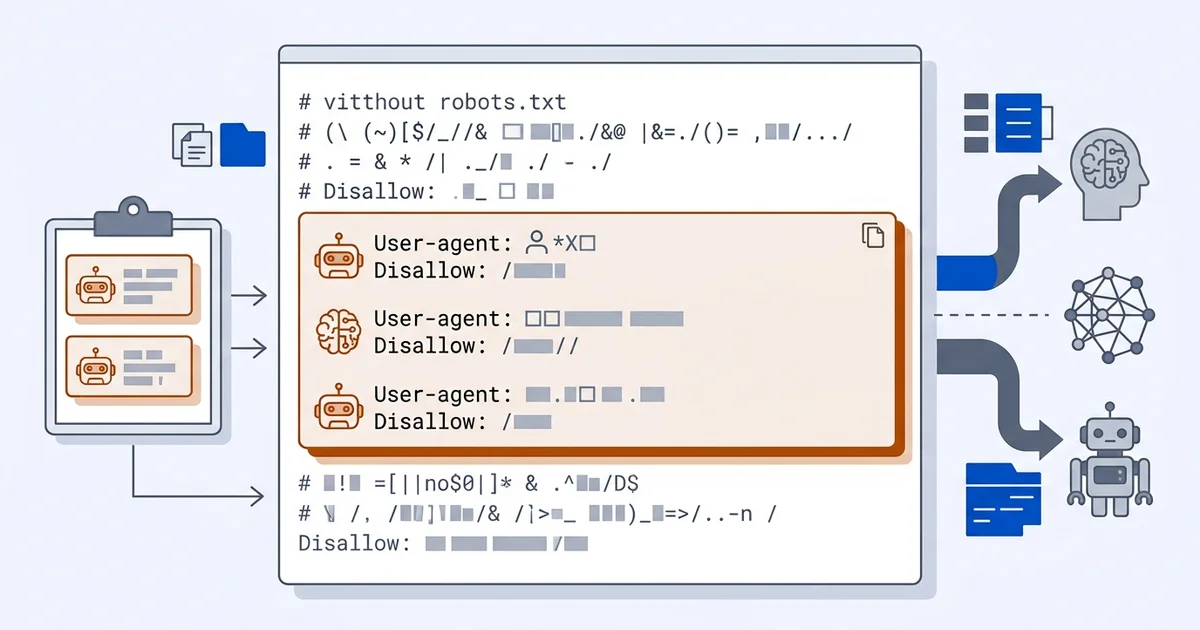
What robots.txt does and does not control
robots.txt is a set of instructions for well-behaved crawlers. It tells named user agents which paths they may fetch. It is a convention, honoured by the major operators, and it has no enforcement mechanism against anyone who ignores it.
For AI search, it governs whether a crawler may fetch your pages. It does not govern what an assistant already knows, and it does not remove facts published about you on other sites. Lesson 5: build a local site AI can find covers where this sits among the other technical prerequisites, and llms.txt for local businesses covers the newer file it is often confused with.
The user agents that matter
| User agent | Operator | Purpose |
|---|---|---|
| GPTBot | OpenAI | Model training |
| OAI-SearchBot | OpenAI | Search features |
| ChatGPT-User | OpenAI | On-demand fetch during a conversation |
| PerplexityBot | Perplexity | Index building |
| Perplexity-User | Perplexity | On-demand fetch |
| ClaudeBot | Anthropic | Model training |
| Claude-SearchBot | Anthropic | Search-connected answers |
| Claude-User | Anthropic | On-demand fetch |
| Google-Extended | Controls generative training use | |
| Applebot-Extended | Apple | Controls Apple AI training use |
| CCBot | Common Crawl | Open crawl corpus |
The guide on which AI crawlers read your site explains who runs each one and how to distinguish a training crawl from a search crawl in your logs.
The permissive file, ready to copy
For nearly every local business, this is the right policy. You want to be cited, so the fetchers that build citations need access.
# Traditional search engines
User-agent: Googlebot
Allow: /

User-agent: Bingbot
Allow: /

# AI search and retrieval
User-agent: OAI-SearchBot
Allow: /

User-agent: ChatGPT-User
Allow: /

User-agent: PerplexityBot
Allow: /

User-agent: Perplexity-User
Allow: /

User-agent: Claude-SearchBot
Allow: /

User-agent: Claude-User
Allow: /

# AI training
User-agent: GPTBot
Allow: /

User-agent: ClaudeBot
Allow: /

User-agent: Google-Extended
Allow: /

User-agent: Applebot-Extended
Allow: /

User-agent: CCBot
Allow: /

# Everything else
User-agent: *
Allow: /
Disallow: /admin/
Disallow: /cart/

Sitemap: https://example.com/sitemap-index.xml
Replace the sitemap URL with yours and adjust the disallowed paths to match your site.
If you want to block training but allow search
A defensible middle position for a business with genuinely proprietary written material:
User-agent: GPTBot
Disallow: /

User-agent: ClaudeBot
Disallow: /

User-agent: Google-Extended
Disallow: /

User-agent: OAI-SearchBot
Allow: /

User-agent: PerplexityBot
Allow: /

User-agent: Claude-SearchBot
Allow: /
Be clear about the trade. Blocking training reduces how familiar models become with your business generally. Allowing search keeps you eligible for live, cited answers. For a local service business, both allowed is usually correct.
What blocking actually costs you
If you disallow the search-side fetchers, an assistant asked about your business cannot read your current pages. It falls back to whatever it holds from elsewhere: a directory listing, a review site, a competitor’s comparison page. You have not protected your information, you have delegated it.
For a local business trying to be recommended, that is a bad trade. The businesses with a genuine case for blocking are publishers whose archive is the product.
Common syntax errors
A disallow rule before the user-agent line. Groups must start with User-agent.
A blank line inside a group. A blank line ends the group, so the rules after it apply to nothing.
Assuming case sensitivity in agent names. User-agent matching is case-insensitive; path matching is not.
Leaving Disallow: / from a staging environment. This blocks everything, and it happens more often than anyone
admits.
Serving the file as HTML or with a 404. The file must return plain text with a 200 response.
Verify it
Fetch yourdomain.com/robots.txt in a browser and read what actually renders, rather than what your plugin claims
it generates. Then check your server logs for the named agents and confirm they are receiving 200 responses, as
Lesson 5 describes.
If a crawler still never appears after the file is correct, look at your firewall or bot-protection layer. Blocking at that level is invisible in robots.txt and just as effective at making you disappear.
A note on bot protection and firewalls
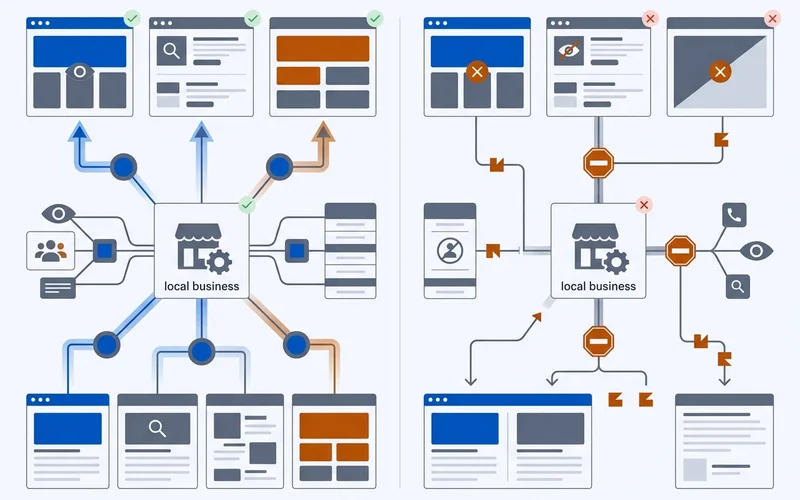
robots.txt is only half of the access question. Many small sites sit behind a CDN or security layer with bot rules of its own, and those rules are enforced rather than requested.
The symptom is specific: a permissive robots.txt, no crawler traffic in the logs, and occasional 403 responses to AI user agents. If that matches what you see, check your CDN’s bot management settings, any security plugin with a “block bad bots” option, and any rate limit that treats a burst of requests as an attack.
Two settings cause most of this. A generic bot-blocking rule that matches anything without a browser signature, and an aggressive rate limiter that trips when a crawler fetches twenty pages in a minute. Both are fixable by allow-listing the named AI user agents, verified against the operator’s published IP ranges as described in the guide on which AI crawlers read your site.
Reviewing the file when things change
Add robots.txt to your quarterly checks. Three events in particular warrant a look:
A site migration or redesign. Staging files carrying Disallow: / get promoted to production more often than
anyone likes to admit.
A new plugin or platform feature. Some SEO and security plugins rewrite the file, sometimes silently.
A new crawler appearing in the ecosystem. Operators launch and rename agents. A file written two years ago will not name agents introduced since.
Keep the file short enough to read in one screen. A robots.txt nobody understands is a robots.txt nobody audits, and the failure is always silent.