
Disclosure first
LocusPilot publishes this course and builds an AI website builder for local businesses. That is a direct commercial interest in a page comparing website builders to WordPress, so it is stated here, at the top, and again in Lesson 5: build a local site AI can find.
The guide below is written as a decision rule rather than a recommendation. If it reads like an argument for one platform, treat that as a reason to be sceptical.
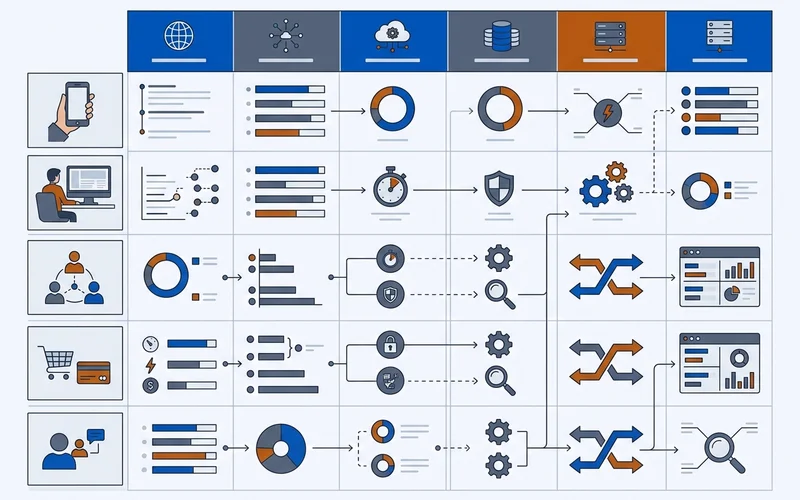
What actually matters for AI findability
Platform is a secondary question. These five capabilities are the primary one, and several platforms in both camps provide them.
- Server-rendered content. Your text must appear in the HTML a crawler receives, not only after JavaScript runs.
- Custom head code. For JSON-LD, as covered in the guide on adding JSON-LD.
- Control of robots.txt and sitemap. So crawler permissions are yours to set, as described in robots.txt for AI crawlers.
- Reasonable performance. A fast server response and images that are not ten times larger than needed.
- Clean, stable URLs and redirects. So a page that moves does not become a dead end.
Any platform that provides all five can support a site AI search can read.
Where each platform tends to land
| Capability | Typical hosted builder | Typical WordPress setup |
|---|---|---|
| Server-rendered HTML | Usually yes | Usually yes |
| Custom head code for JSON-LD | Often, sometimes plan-gated | Yes, via plugin or theme |
| robots.txt control | Sometimes limited | Yes |
| Sitemap control | Automatic, limited options | Yes, via plugin |
| Performance out of the box | Generally good | Depends entirely on host and plugins |
| Performance ceiling | Capped by the platform | High, with effort |
| Maintenance burden | Low | Ongoing updates and security |
| Cost of getting it wrong | Low | Can be substantial |
The pattern is consistent. Builders give you a good default with a ceiling. WordPress gives you a high ceiling and a floor that depends on whoever maintains it.
A decision rule by situation
You have no site and little technical appetite. A builder that supports custom head code. You will reach a good baseline quickly, which matters more than a ceiling you would never use.
You have no site and a specific need beyond the basics. WordPress, provided you have someone to maintain it. The control is worth it when it is genuinely exercised.
You have a WordPress site that works. Keep it. Fix the host if it is slow, prune plugins, and spend your time on profile and content work.
You have a builder site that works. Keep it, unless it blocks one of the five capabilities above. Check before assuming it does.
You have a site nobody has touched in three years. The platform is not your problem. Audit it against the capabilities list and fix what is actually broken.
Migration cost, honestly
Migrating is rarely the highest-value move. Expect content re-entry, a redirect map for every changed URL, design rework, and a settling period where performance moves in both directions. It also consumes the attention that would otherwise go into the 90-day checklist, which is where the measurable returns are.
Migrate when the platform blocks something you need: no custom head code, no redirect control, no server-rendered output. Do not migrate because a comparison article said one platform is better for SEO.
Platform choices that genuinely hurt
- A site that renders content only client-side with no server-rendered fallback.
- A platform with no way to add structured data at all.
- A page builder producing megabytes of CSS and JavaScript for a five-section page.
- Hosting that returns slow first-byte times under any load.
- A setup where nobody has access to change robots.txt or redirects.
If any of those describe your site, that is a real constraint. Everything else is preference, and preference is not worth a rebuild.
How to audit your current platform in 20 minutes
Before deciding anything, test what your site actually does. Five checks, no tooling beyond a browser.
- View source on a service page and search for a sentence from the middle of the page text. Present means server-rendered. Absent means content depends on JavaScript.
- Fetch
yourdomain.com/robots.txt. If it returns a 404 or HTML rather than plain text, you do not control crawler permissions. - Look for your sitemap, usually at
/sitemap.xmlor/sitemap-index.xml. Check it lists your service pages. - Search the source for
application/ld+json. Present means you can carry structured data. Absent means check whether the platform allows custom head code at all. - Load the site on mobile data and count the seconds to readable text. If it stalls, you have a performance problem regardless of platform.
Failing checks 1, 2 or 4 is a genuine platform constraint. Failing 3 or 5 is usually a configuration problem you can fix without migrating.
What migration actually involves
If you decide the constraint is real, plan the work honestly:
- Content re-entry. Every page, every image, every form.
- A redirect map. Every old URL pointed at its closest new equivalent, which is where most migrations lose standing.
- Structured data re-implementation, then re-validation, as covered in the guide on adding JSON-LD.
- robots.txt and sitemap re-checks on the new platform.
- A settling period of several weeks where results move in both directions.
Budget for that before comparing monthly platform costs. For most local businesses the honest conclusion is that the site is not the binding constraint, and the same hours spent on profile consistency and one page rewrite will produce a larger, faster return.