None of the previous lessons matter if the page cannot be fetched
A clean profile, a quotable service page and a valid JSON-LD block are all worth nothing if the crawler times out, receives an empty shell, or was told not to come. This lesson is the floor underneath the rest of the course.
Disclosure, stated here because this lesson is where it applies. LocusPilot, which publishes this course, builds websites for local businesses and is one of the platforms discussed below. Treat the platform comparison accordingly, and read the website builder versus WordPress guide, which carries the same disclosure and gives a decision rule rather than a recommendation.
Crawlability and rendering
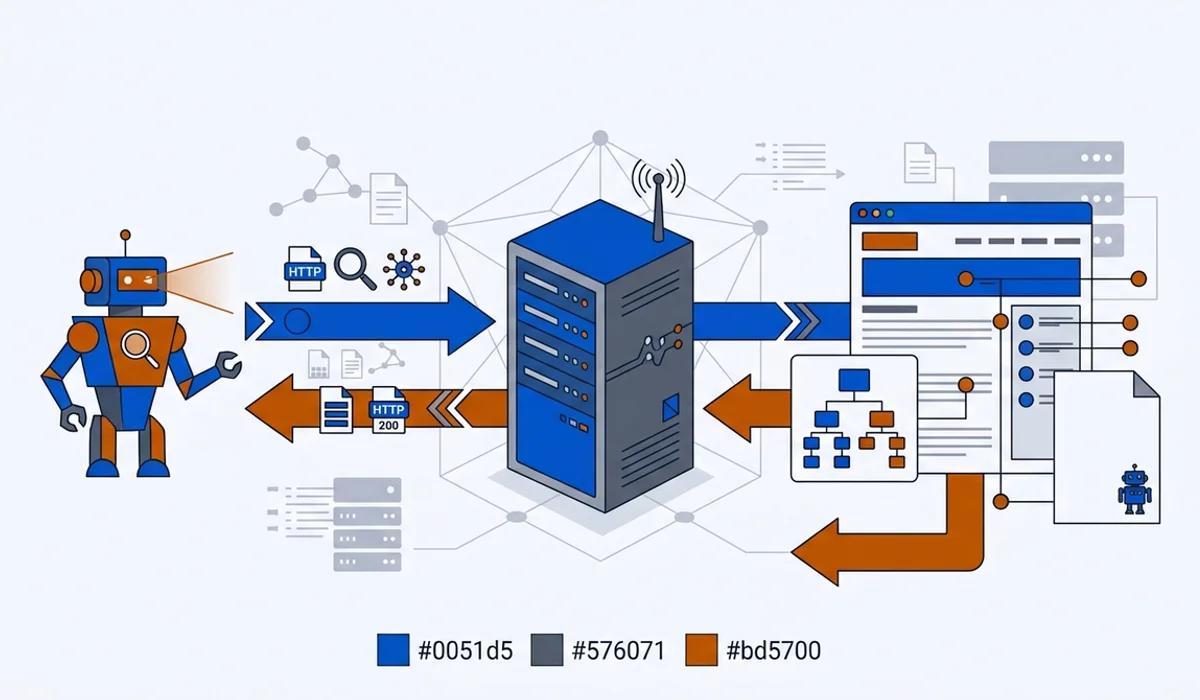
Start with what the crawler actually receives. Open your most important service page, view the rendered source, and search for a sentence from the middle of your service description. If it is not in the HTML, your content depends on JavaScript executing, and not every fetcher executes JavaScript reliably.
Googlebot renders JavaScript, eventually. Several AI fetchers are less patient. Server-side rendering or static generation removes the question entirely, which is why it is the default recommendation for a local business site.
Then check the plumbing:
- Every important page returns a 200, not a redirect chain or a soft 404.
- One canonical version of the site, so
https://www.example.comandhttps://example.comdo not both serve content. - No
noindexleft behind from a staging environment, which is a surprisingly common cause of total invisibility. - Reasonable crawl budget use, meaning you are not generating thousands of near-duplicate URLs through filters or session parameters.
Speed and mobile
Speed matters here as a prerequisite rather than a score. A crawler that waits three seconds for a first byte may give up, and a customer arriving from an AI answer on mobile data will certainly give up. Time to first byte under roughly half a second, images sized for the web, and scripts that do not block rendering will get you past the bar.
Core Web Vitals are a reasonable proxy, but do not turn them into a project. The realistic priority order for a small local site is: fix the slow server response, compress the oversized hero image, remove the tracking scripts nobody reads, and stop there.
Sitemap and internal links
An XML sitemap is how you tell search infrastructure which pages exist. Keep it current, include every page you want cited, exclude anything that returns a redirect or an error, and submit it in Google Search Console.
Internal links matter more than owners expect. A page reachable only from a dropdown five levels deep gets crawled rarely and cited less. Two rules cover most sites: every service page is reachable within two clicks of the homepage, and related pages link to each other with descriptive anchor text rather than “click here”. That structure also helps an engine understand which of your pages is the authority on which topic, which is the same clustering logic this course uses between lessons and guides.
Crawler permissions, on purpose
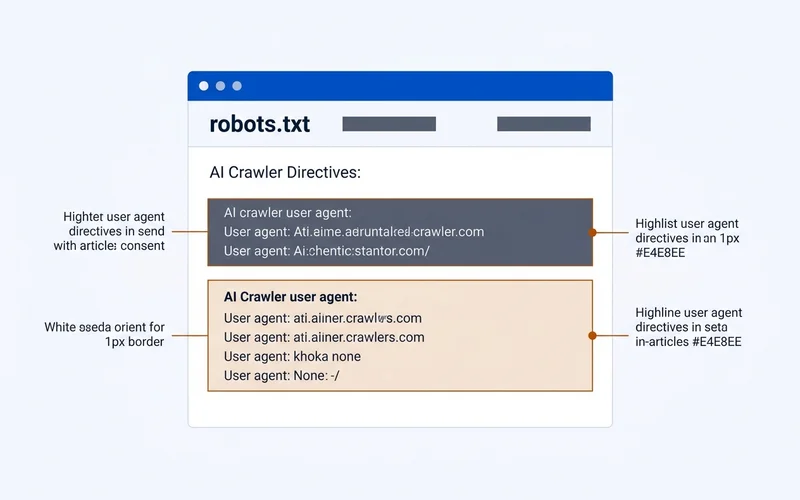
AI crawlers announce themselves with user agents. The named ones that matter for a local business:
- GPTBot, OpenAI’s training crawler.
- OAI-SearchBot, OpenAI’s search-side fetcher.
- ChatGPT-User, fetches a page when a user’s prompt requires it.
- PerplexityBot and Perplexity-User, Perplexity’s index and live fetchers.
- ClaudeBot and Claude-SearchBot, Anthropic’s equivalents.
- Google-Extended, which governs Gemini and related training use, separately from Googlebot.
| Crawler type | What blocking it costs you | Typical local business policy |
|---|---|---|
| Search (OAI-SearchBot, PerplexityBot, Claude-SearchBot) | Removal from live AI answers | Allow |
| On-demand (ChatGPT-User, Perplexity-User, Claude-User) | Your page cannot be fetched mid-conversation | Allow |
| Training (GPTBot, ClaudeBot, Google-Extended) | Less general model familiarity with your brand | Allow |
The guide on which AI crawlers read your site explains who operates each one and how to tell training crawls from search crawls in your logs.
For most local businesses the sensible policy is to allow all of them. You are trying to appear in AI answers, and blocking the fetcher that builds those answers is self-defeating. A minimal permissive file looks like this:
User-agent: GPTBot
Allow: /

User-agent: OAI-SearchBot
Allow: /

User-agent: PerplexityBot
Allow: /

User-agent: ClaudeBot
Allow: /

User-agent: Google-Extended
Allow: /

User-agent: *
Allow: /
Disallow: /admin/

Sitemap: https://example.com/sitemap-index.xml
The robots.txt guide for AI crawlers has the full copy-paste set, including block variants if you have a genuine reason, plus the syntax errors that quietly make a file do nothing.
While you are in this territory, you will hear about llms.txt, a proposed markdown file describing your site for language models. It is not an adopted standard and support is thin. It is also harmless. The llms.txt guide gives the honest verdict on whether that hour is better spent elsewhere.
Confirm it worked
This is the one part of AI SEO you can verify directly. Open your server access logs and filter for the user agents above. You are looking for three things: that they arrive at all, that they receive 200 responses rather than errors or blocks, and that they are reaching your important pages rather than only the homepage.
If a named crawler never appears, check robots.txt, then any firewall or bot-protection rule in front of your site. Aggressive bot protection blocking legitimate AI fetchers is a common and invisible failure.
What to do next
Work through the checks in order: rendering, speed, sitemap, internal links, robots, logs. Most sites need one or two fixes rather than a rebuild.
Then move to Lesson 6, which turns to the signals you do not control directly: what other sites and other people say about your business.