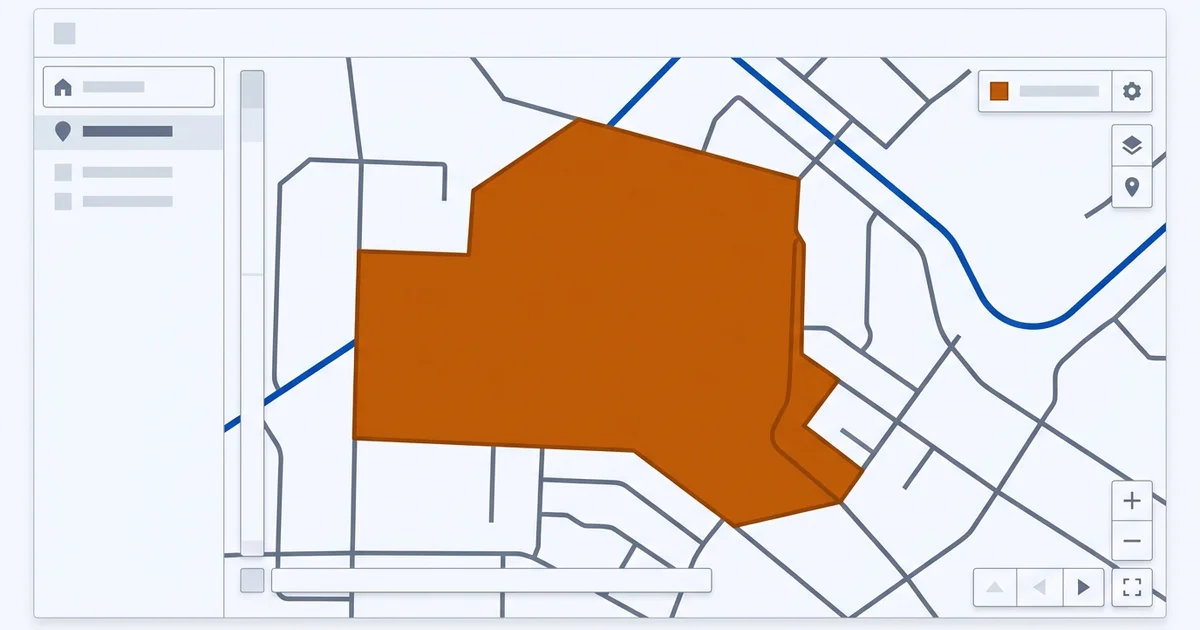
The problem with a hidden address
If you work from home or from a vehicle, you hide your address on your Google Business Profile and set service areas instead. That is the correct setup, and it is what the guidelines expect.
It also removes a verification signal. As Lesson 2: Google Business Profile for AI search explains, engines lean on the profile as the densest record of your facts. Without a street address, one of the strongest anchors for confirming you are a real, specific business in a specific place is gone.
The consequence shows up as vagueness. An assistant asked about mobile services in your area may hedge on whether you cover a particular suburb, or name a competitor with a shopfront simply because it can state their location with confidence.
That is fixable, but it means the rest of your footprint has to carry more weight.
Setting service areas properly
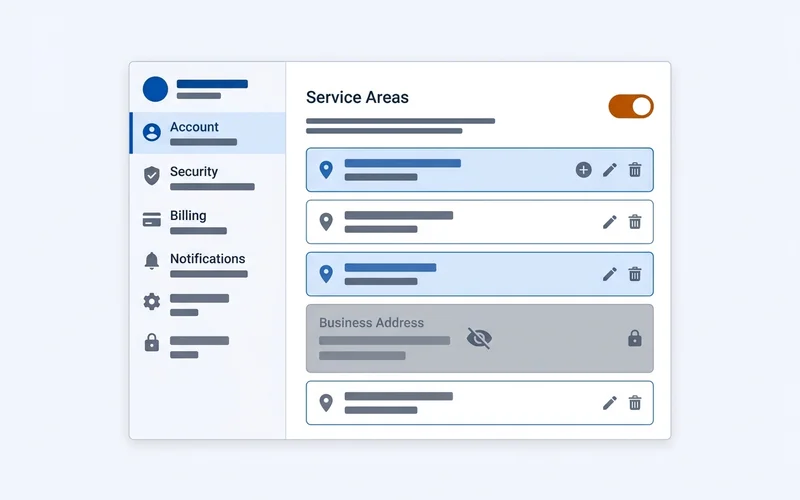
Three rules.
List where you actually work. Not where you would like to work, and not every suburb within two hours. If a job in a listed area would realistically be declined or surcharged heavily, it does not belong on the list.
Use recognisable units. Suburbs, towns or cities that customers name when describing where they are. A listed area nobody uses in speech has little retrieval value.
Keep the count sensible. A handful to a dozen areas for most mobile trades. Listing forty dilutes relevance in each one, and it contradicts a site that only mentions five.
Then make your website say the same thing. If your profile lists eight suburbs and your website says “servicing the greater metropolitan area”, you have created the inconsistency problem in a new place.
What to put on your site instead of a street address
Substitute specificity, not vagueness.
- A named service area list. The same suburbs or towns from your profile, written into the page text so a passage can be quoted.
- Travel and callout terms. Where a surcharge starts, minimum callout, typical travel time. These are the details a hedging assistant is missing.
- Verifiable credentials. Licence numbers, registrations, insurance, trade body membership. These do for a mobile business what an address does for a shopfront: they prove a specific, accountable entity.
- How you are contacted and how quickly. A phone number, an email, and a realistic response window.
- A trading history. Years in operation and, where you have permission, the kinds of clients or sites you work on.
The guide on what makes a page quotable covers how to write those details so they survive extraction.
Staying consistent without an address
NAP consistency still applies, minus the A. Your business name and phone number must match everywhere, and your service area claims should be the same set of places in every location they appear: profile, website, directories, social profiles and structured data.
For the markup side, use areaServed rather than inventing a street address. The
guide on marking up areaServed covers named places
versus a geo radius and how many to list.
Directory listings deserve care here. Many directory forms require an address and will silently publish one. Use the service-area option where it exists, leave the field blank where allowed, and check what actually rendered after publication.
What not to do
Do not use a virtual office or mailbox address. It breaches the guidelines, risks suspension, and creates a record that contradicts your real operating pattern.
Do not list a co-working space you do not staff. Same problem, with the added risk that another business is already listed there.
Do not create a page per suburb with no distinct content. Thin location pages are a familiar tactic with a familiar outcome. If you cannot write something genuinely specific about working in a place, a named area list on one strong page serves you better.
Do not switch between hidden and visible address. Pick the correct setup for how you actually work and leave it.
The compensating strengths
Service-area businesses that do well in AI answers tend to share three traits: an unusually consistent footprint, a site that names areas and terms explicitly, and genuine third-party corroboration from suppliers, trade bodies or local organisations, which is the territory of Lesson 6.
None of that requires premises. It requires being specific in public about facts a shopfront gets for free.
Keeping consistent when the address is hidden
The audit in the NAP consistency guide still applies, with one change: your service area list becomes the thing that has to match everywhere, in place of a street address.
That means four places need the same list, written the same way:
- Your business profile service areas.
- Your website, in prose, on the page that should win the query.
- Your
areaServedstructured data. - Any directory listing that offers a service-area field.
Directory forms are where this breaks. Many require an address and will publish whatever you enter, including a home address you meant to keep private. Use the service-area option where it exists, leave the field blank where that is allowed, and always check what actually rendered after the listing goes live.
If you find a home address published somewhere you did not intend, request removal directly and correct the record at the aggregator level, because downstream directories refresh from there.
A worked example
A mobile appliance repair business operating from home across four suburbs should look like this.
Profile: address hidden, four service areas listed, primary category set to appliance repair service, hours reflecting when the phone is answered rather than when the van is out.
Website: one strong service page naming all four suburbs in the text, stating the callout fee, the travel surcharge boundary, typical response time and licence details. No separate page per suburb.
Schema: areaServed listing the same four places, no PostalAddress, telephone matching the profile exactly.
Directories: service-area fields used where available, address fields left blank, details identical to the profile.
That configuration gives an engine everything it needs to state confidently which areas you cover, without publishing a home address or inventing an office you do not have.